Writing 5 min read
Twitter link preview not showing? Check the page, image and publishing surface
Diagnose a missing X link card with a practical page-and-image checklist, a clear developer handoff and useful alternatives when you cannot edit the linked website.
What should you check when a Twitter link preview is missing?
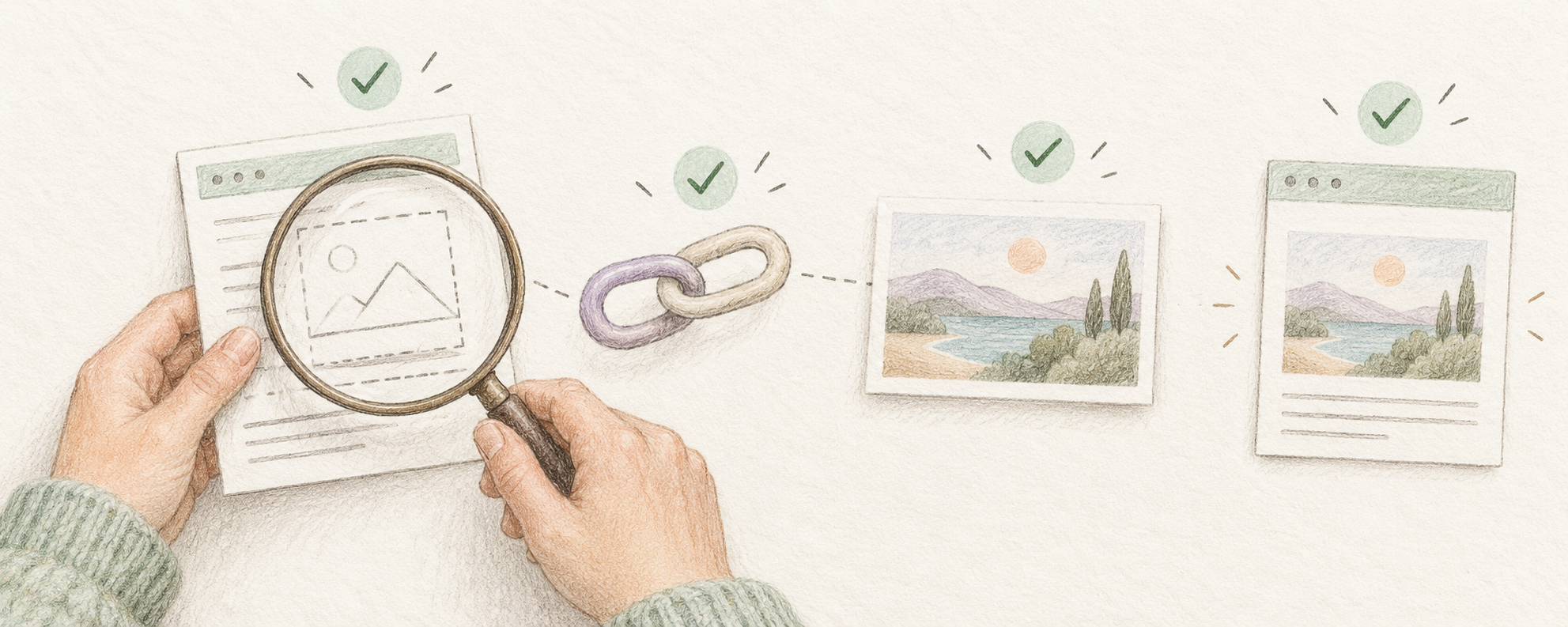
Start with the exact public URL you plan to share. Check that it opens without a login, then inspect it in X’s own composer rather than relying only on a scheduler’s mockup. If you own the website, ask whether the initial page response contains its card metadata and whether the referenced image is publicly reachable. If you do not own it, write enough context for the link to be useful without a card. A missing image is a symptom; it does not identify one certain cause.
On 18 October 2026, we compared searches about missing link previews, video captions and product-launch calendars. Circleboom’s troubleshooting article appeared at position four in the observed results for “twitter link preview not showing image.” We inspected its current publishing and scheduling offering, alongside Typefully and Hypefury, to establish competitor relevance. This is one qualitative search snapshot, not a stable ranking or measured search volume. The checks below are an original workflow grounded in X’s developer-forum guidance and the Open Graph specification; they do not promise a particular card display or more clicks.
Observed competitor article: Circleboom’s link-preview guideX developer forum: card rendering and fetch troubleshootingCan you isolate the problem before changing the website?
Record the exact URL, the expected image, the observed result, the client and the time checked. Use the article or product page itself, not the site homepage unless that is what you mean to share. Open the destination in a signed-out browser and confirm that redirects land on the intended public page. Then paste that same URL into X’s composer and inspect what is available without publishing a test post. If another tool shows a good-looking card while X does not, record the difference; that alone does not prove a cache problem. Different tools may fetch, interpret or render the page differently.
For example, a fictional founder shares a guide at example.com/approval-checklist. The page opens normally, but the social card points to an image that was moved during a redesign. The useful next step is to repair the image reference or restore the intended public file, not rewrite the post repeatedly. In another case, the public page is fine but a security challenge prevents automated access. A browser visit and a crawler request are different checks. X’s forum guidance explicitly asks developers to inspect response status, content type, initial HTML and access for Twitterbot, including the image host.
What should a website developer check?
Give the developer a bounded request: inspect the final public page response and its head metadata, including the intended twitter:card value and image reference; check that the image URL is absolute and accessible; and inspect redirects, response status, content type, TLS and crawler access on both the page and image host. X’s forum guidance says tags added only after JavaScript runs are not available to its card crawler. Ask for evidence from the initial response, not just the browser’s rendered Elements panel. Avoid blanket security changes: identify the particular blocked resource or response before changing access rules.
Open Graph defines properties such as og:title, og:type, og:image and og:url in the page head, plus optional image dimensions, type and alt text. Use that specification to check the website’s intended sharing metadata, while keeping X-specific card behaviour separate. A useful handoff is: “This exact URL should use this image; the initial response contains these tags; this image request succeeds or fails; X’s composer shows this result as of this time.” That makes a retest possible. It is more informative than “the preview is broken” and does not require the founder to guess which plugin or cache is responsible.
Open Graph protocol: page and image metadataChoose a readable image for an ordinary X postWrite useful image descriptionsWhat if the image is stale or you cannot edit the site?
If you have changed a page or image, distinguish what is currently served from what X currently displays. Recheck the same public URL and record both results; do not promise an exact refresh time or claim that a third-party checker forces X to refresh. X’s developer-forum notice explains that the official validator’s preview function was removed in 2022 because it did not match final client display, and recommends the native composer for previewing. The old card-documentation links we checked now redirect to a general developer overview, so this guide avoids treating those redirects as current image-size specifications. A validator can offer diagnostic clues, but a simulation is not proof of final rendering.
When sharing a page you cannot edit, report the exact URL and observed issue to its owner if appropriate, then make your post understandable without the card. An original example is: “This checklist explains how to confirm a final client file before handover. The linked page covers version labels and approval steps.” Use that wording only if the page really does. You can attach a relevant image you have permission to use, with an accurate description, while retaining the destination link; that is an ordinary media post, not a repair to the website’s card. If the page itself is unavailable, fix or replace the destination before asking readers to click.
Keep a call to action and destination alignedCorrect a published post without hiding the changeCheck a draft before scheduling