Content strategy 5 min read
How to share customer reviews beyond an X screenshot thread
Build a readable public page for customer feedback, preserve context and permission, and link to it from X without making a social account the only way to see your reviews.
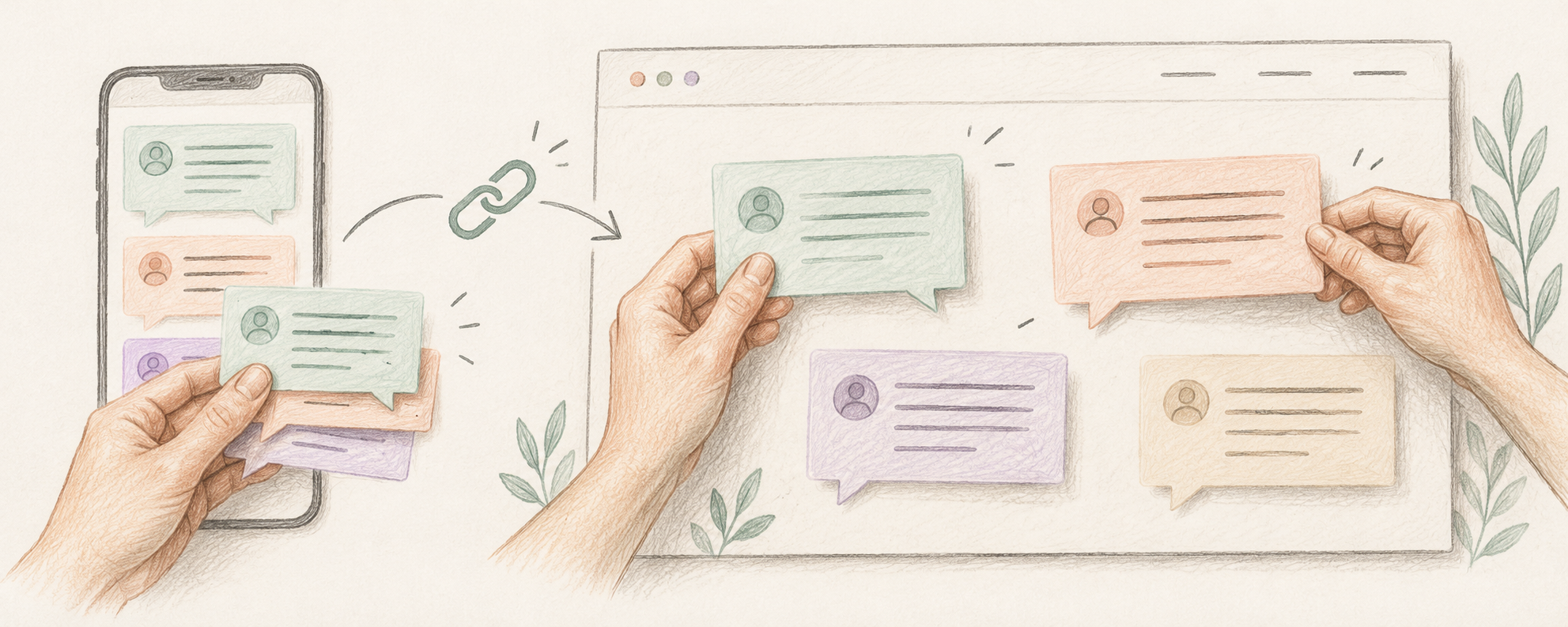
Where should you put reviews if people cannot read your X thread?
Create a simple public page on a website you control, using approved customer quotes as readable text. Add enough context to explain what each person experienced, then link to that page from relevant X posts or your profile. Keep the original source and permission record privately. An X thread can introduce the feedback, but it should not be the only route to information you want prospective customers to read. Check the destination without being signed in before sharing it.
A public r/smallbusiness question dated 3 July 2026 described keeping review screenshots in a Twitter thread that became inconvenient for people without accounts and when the author protected the account. We read it on 18 October alongside a 17 March discussion about whether review posts fit a business’s social content, a September discussion about finding buyers and a September launch-check discussion. These are anecdotal concerns and opinions, sometimes including promotional or disputed advice. They establish a useful question, not a measured conversion benefit. This guide addresses access and clarity, rather than claiming that reposting praise produces sales.
Reddit: where to put reviews beyond a Twitter thread, 3 July 2026Reddit: whether customer reviews fit social content, 17 March 2026What should a useful review page contain?
Start with the specific question a prospective customer needs answered. For a fictional file-handover service, that might be whether clients can tell which version was approved. A review entry can contain the approved quote, an agreed attribution, the task it concerns and the date or product context where that matters. Link to the public original when appropriate and permitted; if the source is private, do not expose it just to make the page look more credible. Label a selected collection as selected feedback, rather than implying it is an independent review service or a complete sample of customers.
Use an honest editing example: a fictional customer writes, “The approval label helped me find the final file, although setup took a while.” Removing the setup qualification changes the meaning. Keep the full statement or ask the person to approve a clearly marked excerpt that preserves the point. Do not turn one person’s experience into “customers save hours,” assign a star rating they never gave, or use an AI-generated quote as customer evidence. With no usable customer feedback yet, publish a real demonstration or explain the workflow instead of inventing social proof.
Show useful work without being on cameraShare work without exposing private detailsHow do you prepare a quote without losing context or trust?
Use a small editorial record for each item: original wording and source, the task described, proposed excerpt, agreed name or role, permission status, and next review date. Ask for approval of the actual wording and where you plan to use it. For example: “May I use this exact sentence on our public feedback page and in an X post linking to it? Would you prefer your first name, role or no identifying detail?” Treat silence as unresolved. This is a practical publication check, not a claim that one message resolves every legal or contractual requirement.
Inspect the whole screenshot if you plan to include one. Names, avatars, email addresses, order numbers, other messages and client files can reveal more than the quote itself. Prefer a clean text presentation with the agreed attribution when the surrounding interface adds no useful context. Keep the source record in an appropriate private place; do not publish your approval conversation. If you paraphrase rather than quote, label it as a summary and avoid quotation marks. Review old entries when the product changes, and remove or revise claims you can no longer stand behind.
Review older content before reusing itTriage feedback without overpromisingHow do you check the page and connect it back to X?
Publish the quote as real page text rather than only an image of text. Check it on a phone, enlarge the text and confirm that the source and next-step links are understandable. If a screenshot carries essential wording, provide an equivalent readable version; W3C’s image guidance shows how text alternatives convey the information in images of text. Open your page in a signed-out browser: the quote should be available without a social login, the page should not depend on a broken embed, and any enquiry or product link should lead to the promised destination. This test checks the route you actually share, not just an editor preview.
On X, introduce one relevant piece of feedback with its context and a link to the page, rather than posting an unexplained wall of screenshots. X documents that protected posts and their permanent links are visible only to followers; making the account protected can therefore change access to a review thread. X also warns that followers may capture posts and media links can be reshared, so protection is not a substitute for permission or careful redaction. Keep the website page and X wording consistent, and track actual questions or enquiries separately from likes. The page improves availability; whether it helps a particular buyer remains something to observe.
W3C WAI: images of text and text alternativesX Help: public and protected posts and mediaGive readers a clear next stepDiagnose the gap between posts and enquiries