Content strategy 5 min read
How to recover a hacked X account when the linked email is compromised
Choose the right recovery path when you still have an X session, have a verified phone, or have lost access to both the account and its linked email.
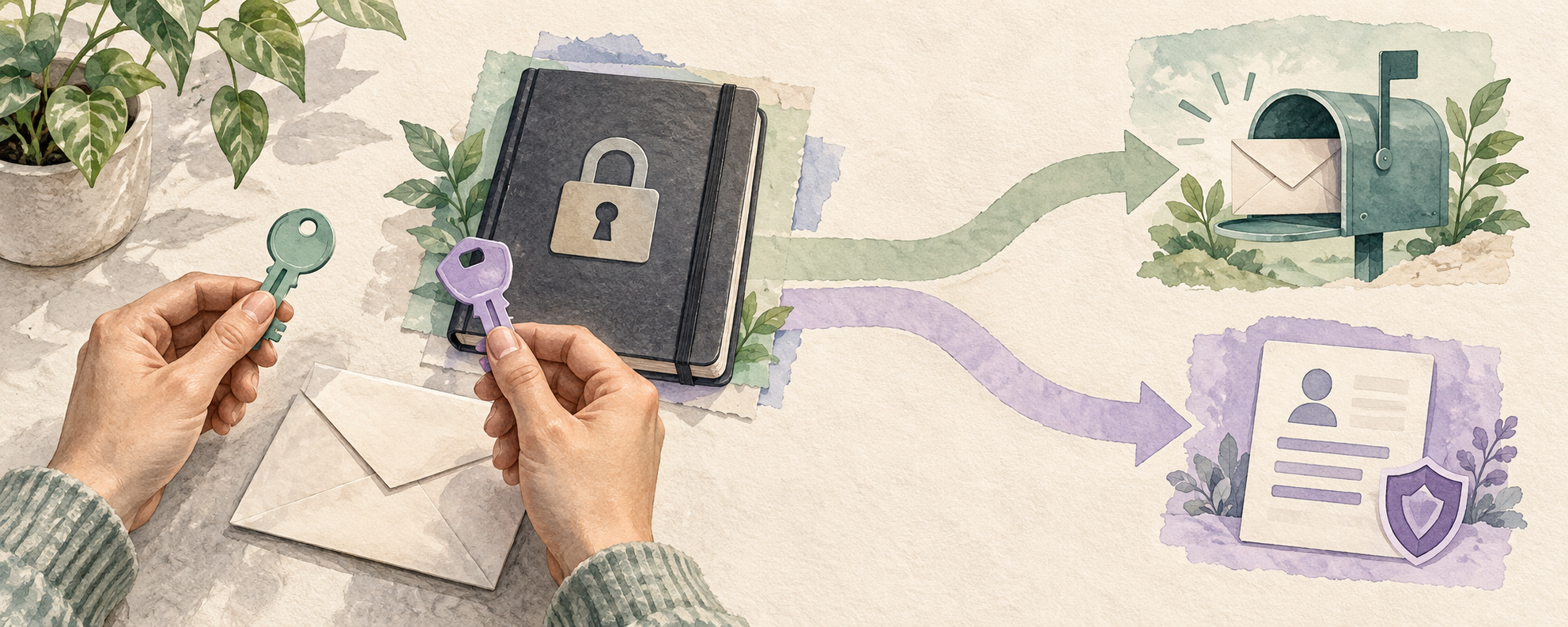
What should you do first if X and its recovery email may both be compromised?
Use a trusted device and open the official X Help Center and your email provider independently. If you can still sign in to X, change the X password, secure the linked email and review connected apps and sessions. If you cannot sign in, try X’s password reset using a verified phone if that option is available, and use your email provider’s own recovery process. Record your handle and the last date you had access for X Support. Recovery is not guaranteed, and an untrusted DM offering to restore your account is not a support channel.
A 16 August 2026 Reddit discussion described losing access to both an email account and an X account, with the author suspecting the email was compromised first. A 5 September discussion described an apparent phishing link followed by account loss. These are individual, unverified reports; they do not establish the attack path in every case. A separate discussion about a suspicious meeting link and a founder’s posting fatigue led to different existing guides. The recovery steps below follow X’s current help pages, not recovery claims made by strangers in comments.
Reddit: reported loss of X and email access, 16 August 2026Reddit: reported phishing and account loss, 5 September 2026X Help: compromised accountWhat if you can still sign in to X?
From a device you trust, change your X password to a strong, unused one. Separately secure the email account associated with X through your provider’s official security and recovery guidance; check its recovery methods and forwarding rules using that provider’s instructions. If you still have access to X, review the account email and update it to an address you control when appropriate. X says it sends an email-change notice to the previous address and describes a reversal link in that notice. Verify the message and destination independently before following any link; a lookalike notice can also be phishing.
Review Apps and sessions in X settings. Revoke unfamiliar third-party applications and inspect active sessions; X documents an option to log out individual sessions or all other sessions. X also warns that changing a password does not automatically log out its iOS or Android apps. Logging out a session does not necessarily erase messages already cached on that device. Review unexpected account changes, posts and messages, and check delegated or team access. If suspicious behavior persists, X recommends checking the device for malware and updating software.
X Help: third-party apps and active sessionsX Help: email change and account securityUnderstand delegated X account accessRecognize a fake support handoffWhat if you cannot sign in or open the linked email?
Try the official password-reset flow from X. X says a verified mobile number associated with the account may offer an SMS reset option; do not assume a number is verified or still associated. In parallel, contact your email provider through its official recovery page to regain the mailbox. Once the mailbox is secured, use X’s reset process and review the account. If the reset fails, X directs users to its compromised-account support request and asks for the associated email, username and the date access was last available. Provide only information requested through that official form.
There is an important limit: X’s email-access help says it cannot continue troubleshooting when a person has neither access to the account email nor a verified mobile number. It also says a previously associated phone number may be reviewed and re-added after verification through its support process. Availability and the outcome depend on X’s review; neither path promises restoration. Do not pay a “recovery agent,” hand over a one-time code or create a new account as a substitute for pursuing the existing account’s official recovery.
X Help: lost email access and verified phone optionsX Help: hacked or compromised account formHow should a solo business respond while recovery is uncertain?
Keep a private incident record: the handle, the last known access date, the email provider, observed unauthorized changes and the support reference if one is issued. Avoid storing passwords, backup codes or customer messages in a shared incident note. If malicious posts or messages are visible, preserve only the evidence needed for support before removing unwanted content after access is restored. Review any connected publishing service and ask the provider about its own access controls; revoking an X connection may interrupt scheduled work.
If customers may have received unsafe links, use a separate channel you already control to give a short factual warning, without accusing a named person or saying the account is safe before you verify it. After recovery, inspect the public profile, delegated access, unexpected posts and settings; consider two-factor authentication and keep recovery information private. A password reset alone cannot establish that all sessions, email rules or third-party access are safe. If you cannot verify the account or the mailbox, mark recovery as unresolved and continue with the relevant provider’s official process.
Check an account archive before relying on itRespond to fake support warnings