Writing 5 min read
How to write a Twitter thread: a practical guide for solo founders
Turn one useful customer question into a connected X thread, with an original five-post example, an editing checklist and verified publishing steps.
How do you write a Twitter thread?
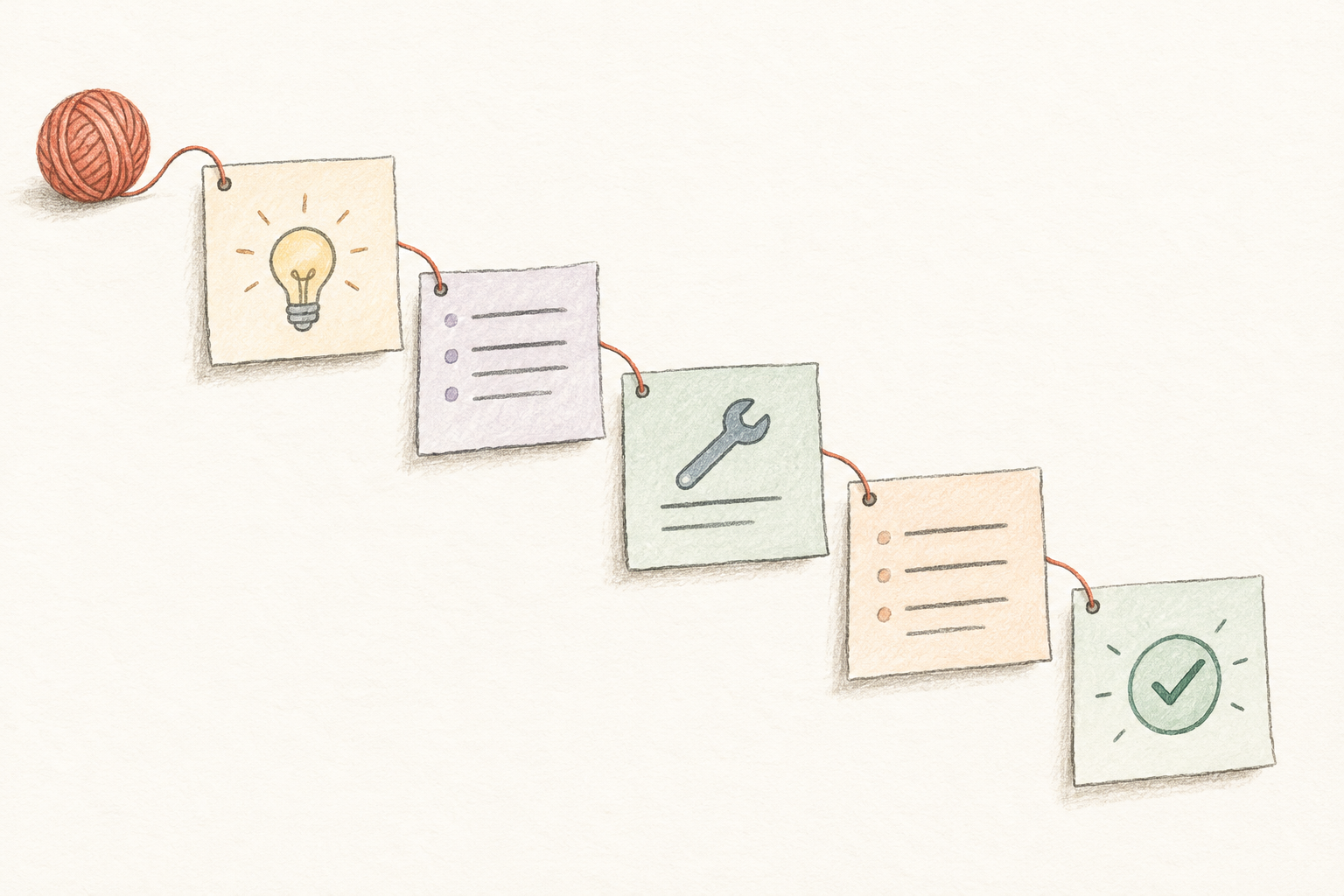
Choose one question your reader needs answered, write the answer in full, then divide it into connected posts that each do one useful job. Open with the problem and a truthful promise, develop the solution with a concrete example, explain a limitation, and finish with a useful next step. Review the whole sequence before publishing it through the native X composer. A thread is a series of connected posts; it does not need to be a long list of disconnected tips.
For a solo founder, start with a task you understand from your own work or verified customer research. “How do I prepare a clear client handover?” is more actionable than “My thoughts on productivity.” If the answer fits comfortably in one post, use one post. Choose a thread when the reader needs a sequence, a comparison or context that would otherwise be lost. The method here is an editorial recommendation, not a claim that threads receive more reach or generate customers.
X Help: what a thread is and how to create oneAn original five-post thread example
This hypothetical example helps a freelance designer prepare a handover; it is not a real customer story or a tested growth template. Post 1: “A client handover needs more than a folder of files. Here is a simple checklist for making the next action clear, even when you are no longer in the project chat.” Post 2: “Start with a short inventory: final files, editable originals, and any instructions needed to use them. Mark which version is approved. If an item is still a draft, say so beside its name.” Post 3: “For each unfinished task, record the next action, who owns it, and what approval it needs. Example: Client chooses the final hero image before the designer exports the homepage assets.”
Post 4: “Check access before calling the handover complete. Ask the recipient to open the shared folder using their own account. Include relevant usage or licence notes; do not assume that sending a file transfers every right.” Post 5: “Finish with a short message: what is ready, what is pending, and where questions belong. This checklist helps organise a handover; it does not replace your contract. Which part of your handovers is usually unclear?” The example delivers its promise without invented savings, revenue or endorsements. Replace the scenario with one you can explain accurately, and consult qualified advice when rights or contractual obligations require it.
How do you edit and publish the sequence on X?
Draft the middle first so you know what the opening can honestly promise. Give each post a distinct job: explain the problem, show a step, demonstrate an example, state a boundary, or close the loop. Remove any post that only repeats the introduction. Then read each post alone: a reader may encounter an individual post without the full sequence. Replace vague references such as “do this” with enough context to understand the action. Optional numbering can help readers follow a sequence, but it does not guarantee that people finish it.
In the native X composer, write the first post, use the highlighted plus control to add the next, and repeat until the sequence is ready. Review any character-limit warnings, then select Post all. X documents an Add another post control for extending a published thread from its detail page. Check the linked instructions if your interface differs. Review the published sequence and its links yourself. If you use a scheduler, confirm its current connected-thread support; this guide does not assume XGrowthKit publishes connected threads automatically. For image-based evidence, add a useful image description and remove private information before publishing.
X Help: composer controls and extending a published threadHow to write alt text for X imagesHow long should a thread be, and what should you measure?
Use the shortest sequence that answers the question. Five posts suit the teaching example above; they are not a universal ideal. A detailed tutorial may need more, while a small clarification may need only two. Stop when the reader has the answer, an example and the necessary limits. Put lengthy reference material in an accessible linked resource rather than forcing it into tiny fragments. If you use AI to reshape a draft, compare every factual claim with your source notes and remove details it invented.
After publication, look for specific unanswered questions and confusion. If you track destination visits or enquiries, record the actual data and acknowledge that readers may arrive through several routes. Likes do not prove that someone completed the thread or became a buyer. Improve the unclear step rather than making the next thread longer by default. Before publishing, check four things: the opening promise is delivered, the example is accurate, each post adds something, and the closing action fits the reader. A useful answer is a better editorial target than an unsupported promise of virality.
Find customer questions on X with advanced searchMake AI drafts sound like you